A pure CSS lightbox
🎵 loading …
I realised I could leverage the combined power of <details> and CSS filters to create a lightbox without any need for JS, which is something I’ve been wishing I could do for months … so it turns out I could do it all along.
In principle, this is how it works:
<summary>is a small version of the full image- full image is contained in
<details>and displayed in the centre of the viewport as large as possible when the<details>is open - when
<details>is open,<summary>expands to cover the whole screen behind the full image, so a click anywhere but on the image will close the<details>and therefore dismiss it - when
<details>is open,backdrop-filteris set on<summary>to blur the page behind, andoverflow: hiddenprevents scrolling - the thumbnail image is also hidden (i.e.
display: none) when the<details>is open to avoid it jumping around when the<summary>fills the screen
The CSS is here! There’s quite a lot at the start for resetting the appearance of <details> elements as my main and FFX CSS styles both alter them quite significantly. After that, though, it’s a pretty small number of declarations. The HTML is also simple:
<details class="lightbox"><summary><img src="URL of thumbnail image"></summary><img src="URL of big image" loading="lazy"></details>
Let’s see if it works on this page (if not I’ll edit the CSS again later lmao).
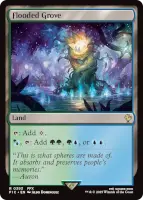
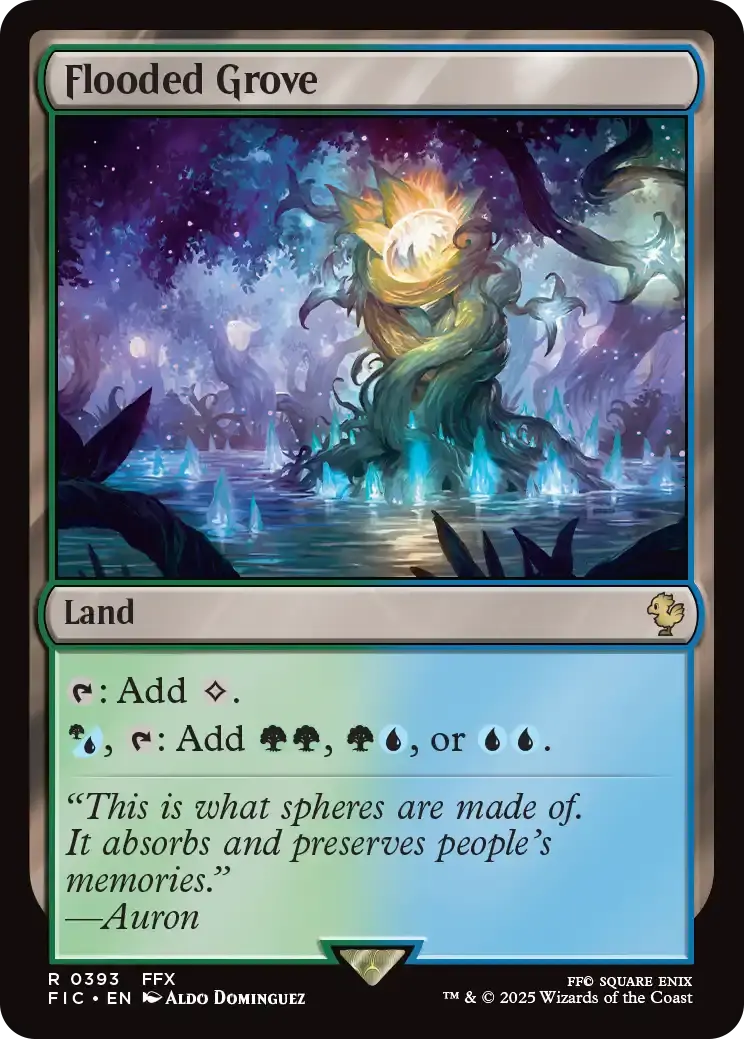
There’s also some CSS for making a “gallery”, which essentially displays a series of these lightbox <details> elements as a grid of 100 x 100 thumbnails when they’re wrapped in a <div class="gallery">. I’ve implemented this on my Rise Of The Ronin screenshots page.


Comments
You can comment on this post if you like. Comments will be posted below after moderation. All comments are anonymous and email addresses, if provided, will not be published.